
What is Microsoft OneDrive for Education?
OneDrive is a cloud storage service from Microsoft that allows you to store all your important files securely in one place and then access them virtually anywhere as long as you are connected to the internet. OneDrive for Education is a special plan for the education field to get 1TB of free storage space.
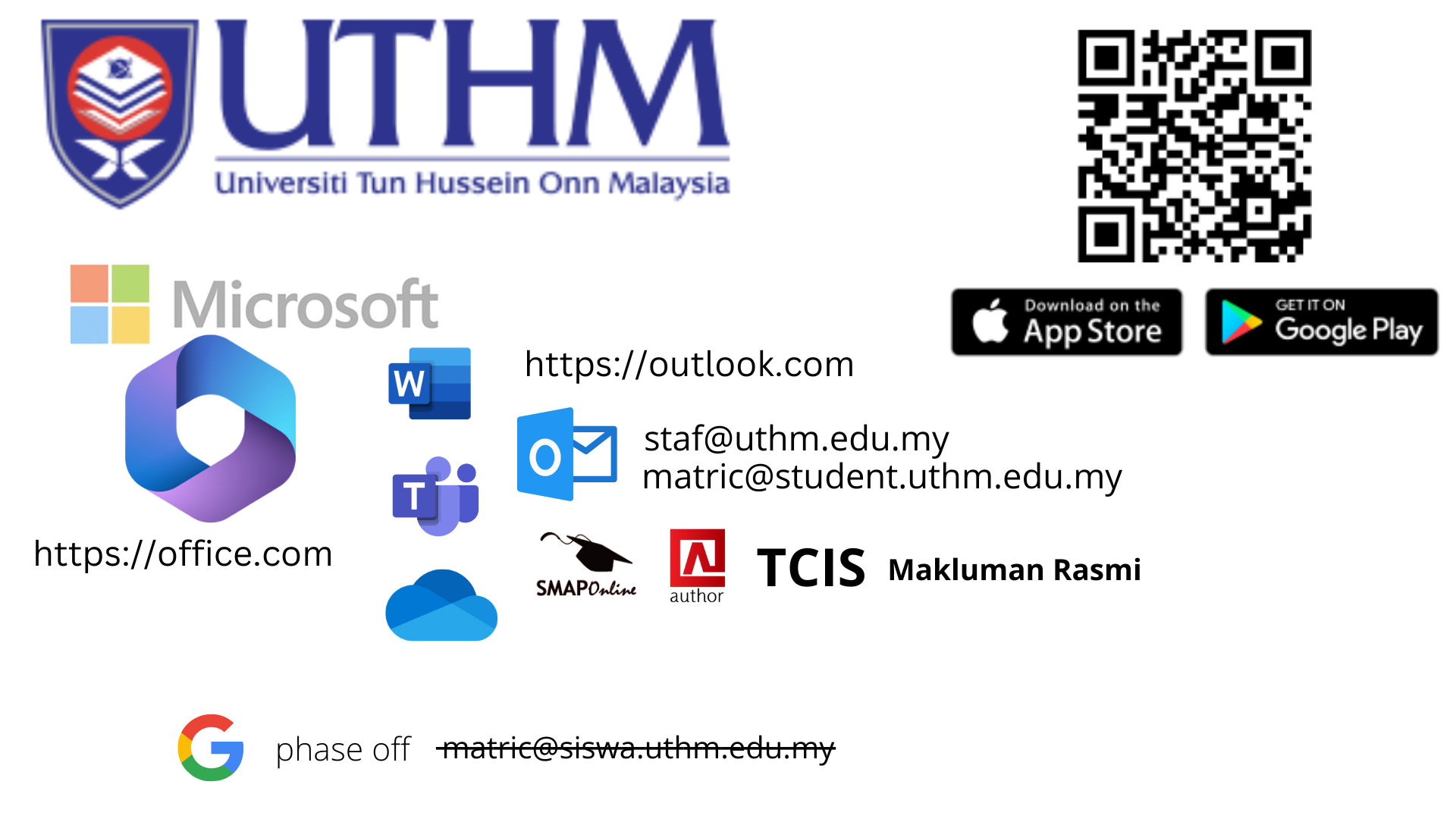
In order to provide the latest ICT services, Pusat Teknologi Maklumat UTHM now offers Microsoft OneDrive storage and Office 365 to its entire staff and students.
Do check your inbox for the reply (human process) to get the reset password. Please also check your Junk/Spam Folder.
Note: Please be aware that staffs and students are bound to the ICT safety circular and guidelines stated by the government (Prime Minister’s Department and MAMPU). OneDrive and Office 365 should not be used to store classified /confidential documents and information.
All UTHM ID and Microsoft UTHM ID will be terminated for staff once stop from service. and students once graduated
LANGKAH-LANGKAH MENGAKTIFKAN AKAUN
Untuk akses kepada Microsoft UTHM anda perlu menukarkan katalaluan TCIS. Ini kerana anda hanya boleh login Office 365 dengan menggunakan katalaluan baru tersebut. Manakala sambilan akademik, anda boleh menukar katalaluan di Author. Untuk Staf sambilan lain anda juga boleh menukar password di login internet di dalam rangkaian UTHM.
Polisi katalaluan
– Katalaluan adalah mengikut syarat-syarat berikut:-
1. 8 aksara atau lebih
2. Tidak boleh ada username dalam katalaluan.
3. Tidak boleh ada 123. Cth: Yd3N123fo
4. Tidak boleh ada abc. Cth: 39abcY1v4
5. Tidak boleh guna balik SEMUA katalaluan yang telah digunakan sebelum ini.
Walau penukaran password berjaya di TCIS/Author tetapi ia tidak akan berjaya di Microsoft kerana menggunakan katalaluan yang lama. Anda perlu menukar katalaluan semula yang baru di TCIS/Author untuk akses ke Microsoft dengan kata laluan yang baru
Untuk menukar katalaluan baru di Microsoft akan datang juga anda perlu menukar password di TCIS / Author (ini bagi kes akaun Microsoft telah diceroboh oleh hacker kerana password/katalaluan telah diketahui)
- Layari URL https:// www.office.com/. Klik Sign In.
– Perhatian: Pengaktifan akaun pertama kali bukan pada https://teams.microsoft.com

2. Masukkan alamat emel uthm. Klik Next.

3. Masukan kata laluan yang baru di tukar di TCIS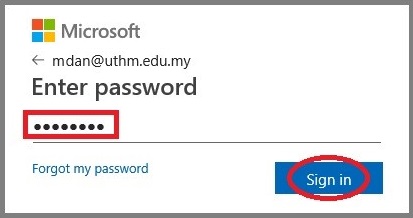
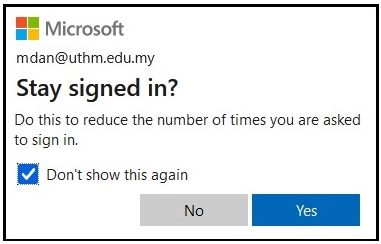
4. Klik Yes
5. Welcome Microsoft Office 365.
6. Anda akan diminta konfigurasi MFA Microsoft UTHM
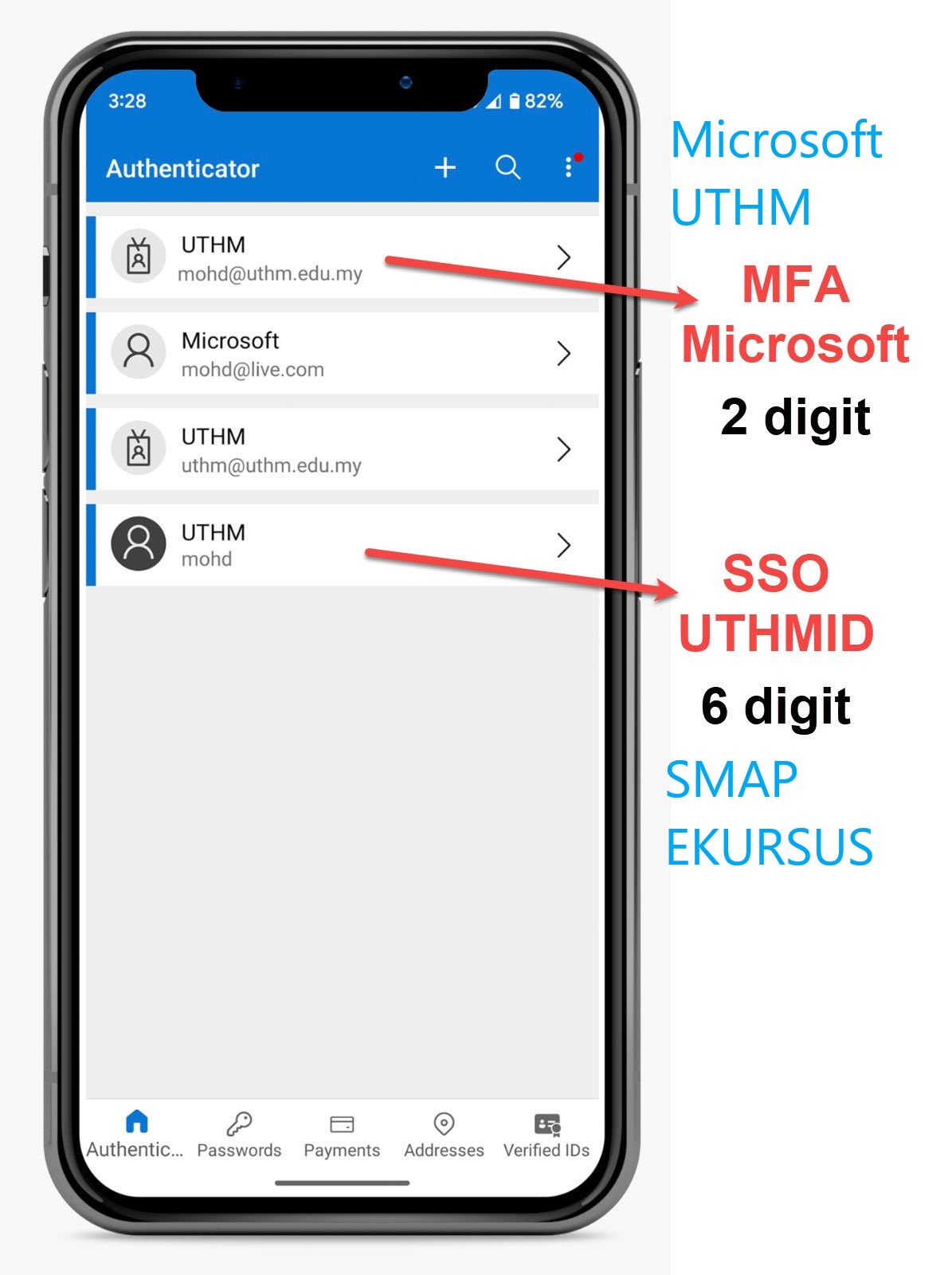
Untuk konfigurasi MFA Microsoft UTHM
PERHATIAN. Sila kemaskini no mobile anda di Microsoft untuk urusan recovery password.
Sila ambil maklum servis UTHM yang ditawarkan ini hanya ketika aktif bekerja di UTHM sahaja. Elakan menyimpan data-data untuk urusan peribadi. Semua rekod akan di padam selepas berhenti.
Microsoft Visio dan Microsoft Project tidak termasuk dalam lesen akademik UTHM. Anda perlu bayar sendiri
Sebarang pertanyaan, wasap.uthm.edu.my/ptm
=============================================================
ADDS
Microsoft teams invite students
- Create teams
- Invite student ID
- Student must have an activated student ID before joining Teams
- Steps for student to activated https://itinfo.uthm.edu.my/pelajar-office-365/
Last update: 15/2/2023